Invoice maker
That file could not be read as an image.
Tax ID
Bill to
Tax ID
| Description | Qty | Unit price | Amount | |
|---|---|---|---|---|
Subtotal
VAT
Amount due
Notes
Payment details
How it works
- Click a blank on the sheet and type. Tab moves to the next field; Tab on the last price adds a line.
- Pick the currency, the document language (one language or bilingual with Arabic) and whether tax is added to prices, included in them or not used.
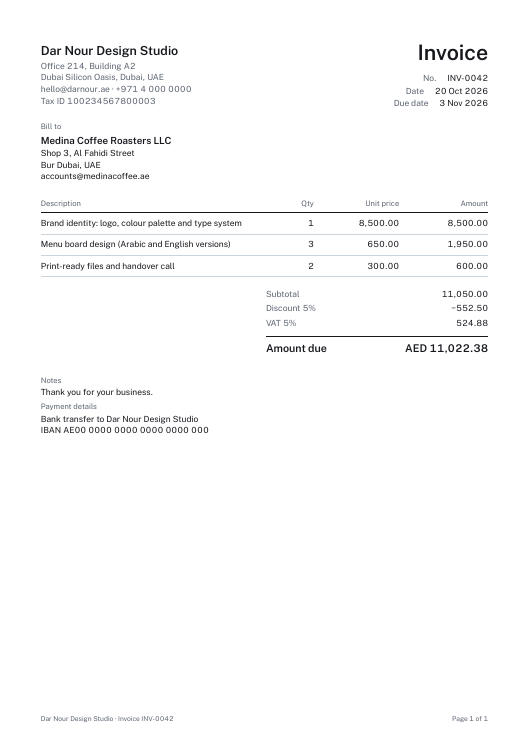
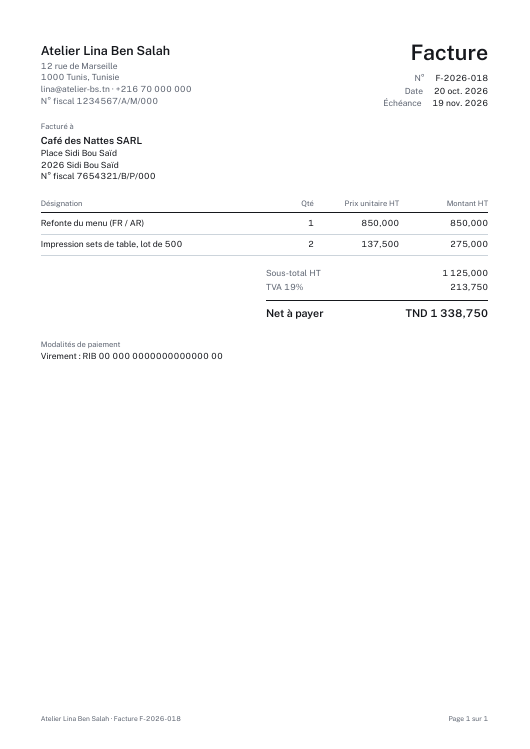
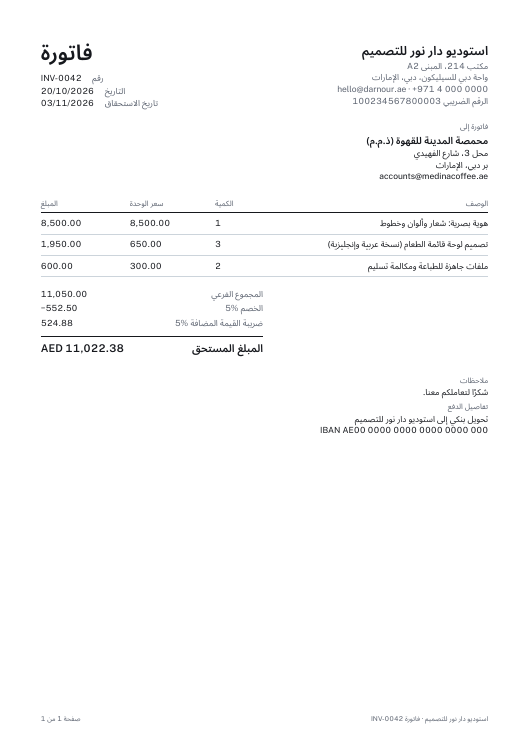
- Download the PDF. Amounts are rounded per line in the currency’s own decimals (three for TND, KWD, BHD and OMR), and Arabic text keeps its joined letters.
Sample PDFs
Questions
- Is it free?
- Yes. There is no paid plan and no watermark.
- Does it follow my country’s rules?
- Billform lays out what you type and does the arithmetic. Check your local invoicing requirements.
- Can prices include VAT?
- Yes. Set Tax to “Included in prices” and the VAT part is worked out of each total. You type the rates; Billform does the arithmetic.
- Can I make a bilingual invoice?
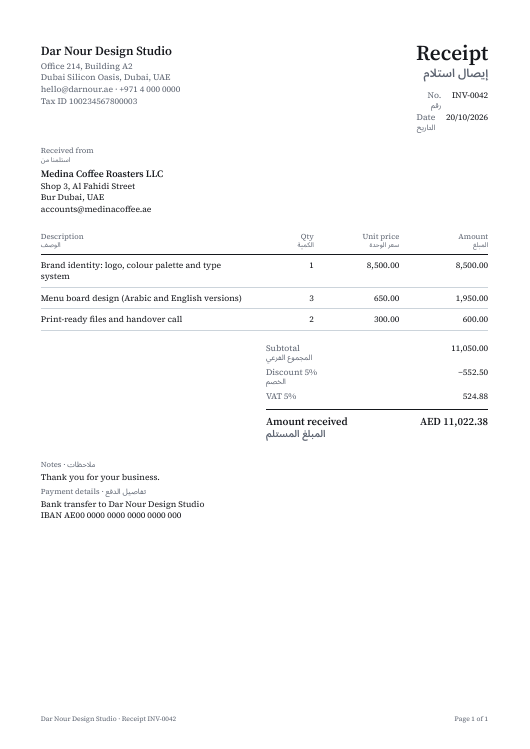
- Yes. Under Document language pick English + العربية or Français + العربية: every label gets its Arabic line, and the Arabic is shaped correctly in the PDF.
- Which currencies?
- AED, SAR, QAR, KWD, BHD, OMR, TND, MAD, DZD, EGP, EUR, USD, GBP and more, each rounded to its own decimals (three for TND, KWD, BHD and OMR).
- Where are my documents kept?
- In this browser’s local storage, listed under Saved documents. Clearing the browser’s site data removes them.